How VoIP to Fax Works Without Breaking Your Workflow

In a busy office or clinic in New York City, days move fast. Phones are ringing, papers need sending, and teams can’t afford to lose momentum. Mix in icy sidewalks and phones that won’t stop, and a small hiccup, like a fax that won’t go through, can throw everything off balance.

That’s why having a setup that keeps phones and faxes moving smoothly matters. A smart VoIP to fax setup helps people get documents where they need to go, without shaking up the flow of the day. It works with the tools most places already use, slipping into the rhythm of daily work instead of interrupting it. Let’s walk through how it all fits together and why these systems work well for NYC teams that don’t have time to stop and troubleshoot.

Why Faxing Still Has a Place in NYC Workplaces

Some people think fax is outdated, but in many New York City offices and clinics, it still plays a big part. Whether it’s a prescription, an insurance form, or a legal document, faxing remains one of the clearest ways to send paperwork that matters. Part of that comes down to rules and policies that still favor faxes over emails. The rest is about peace of mind, knowing a document got where it was supposed to be.

For clinics, law offices, or repair shops that rely on printed records or tracked documents, faxing adds structure. People know how to use it. They trust what it does.

• Faxing works well for time-sensitive materials that need to be secure

• It’s a system workers know, which means fewer mistakes

• A strong setup helps keep faxes and phones aligned, not competing

Steadfast Telecommunications, Inc. provides cloud-based VoIP phone systems that support integrated fax […]

Breaking Down the Role of VoIP Fax Machines in NYC Clinics

In a busy NYC clinic, things do not slow down. Between handling patient appointments, coordinating care updates, and getting people where they need to go, the tools used every day have to work without hesitation. Phones and document handling are two big pieces of that puzzle. And even as many things have gone digital, faxing still holds its spot in the workflow.

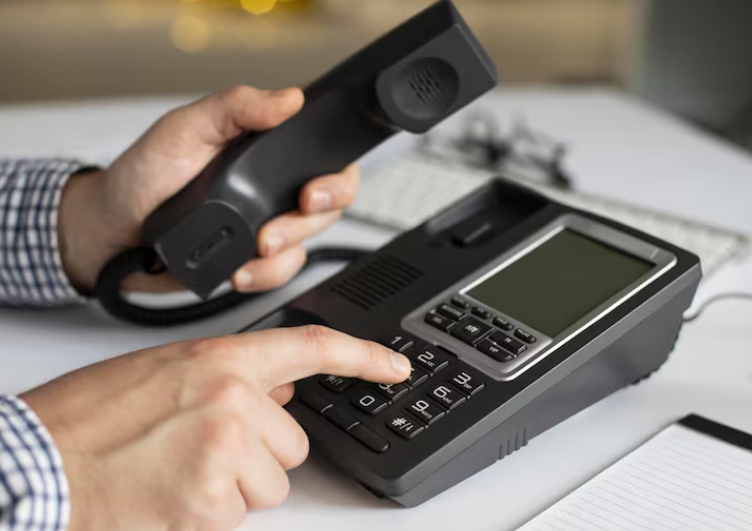
A VoIP fax machine gives clinics a different way to handle the paperwork part of healthcare, without falling behind. It works alongside phone systems that are already in use, and when set up correctly, helps teams move quickly from one task to the next. For clinics where time matters and space is tight, a setup like this can make a real difference.

How Clinics in NYC Still Rely on Faxing

In healthcare, faxing is not going away soon. Many processes, like sending prescriptions, specialist referrals, or insurance documents, still rely on fax. It is often the required way to get paperwork from one place to another while maintaining rules for privacy and security.

Snowy sidewalks, coughing patients, or late staff arrivals can throw off a schedule fast. But those interruptions cannot stop the paperwork from moving. Clinics need equipment that works, no matter what is happening outside the front door. That is part of why faxing remains a key part of a clinic’s backbone. It helps keep care moving when everything else feels off balance.

Where VoIP Desk Phones and Faxing Cross Paths

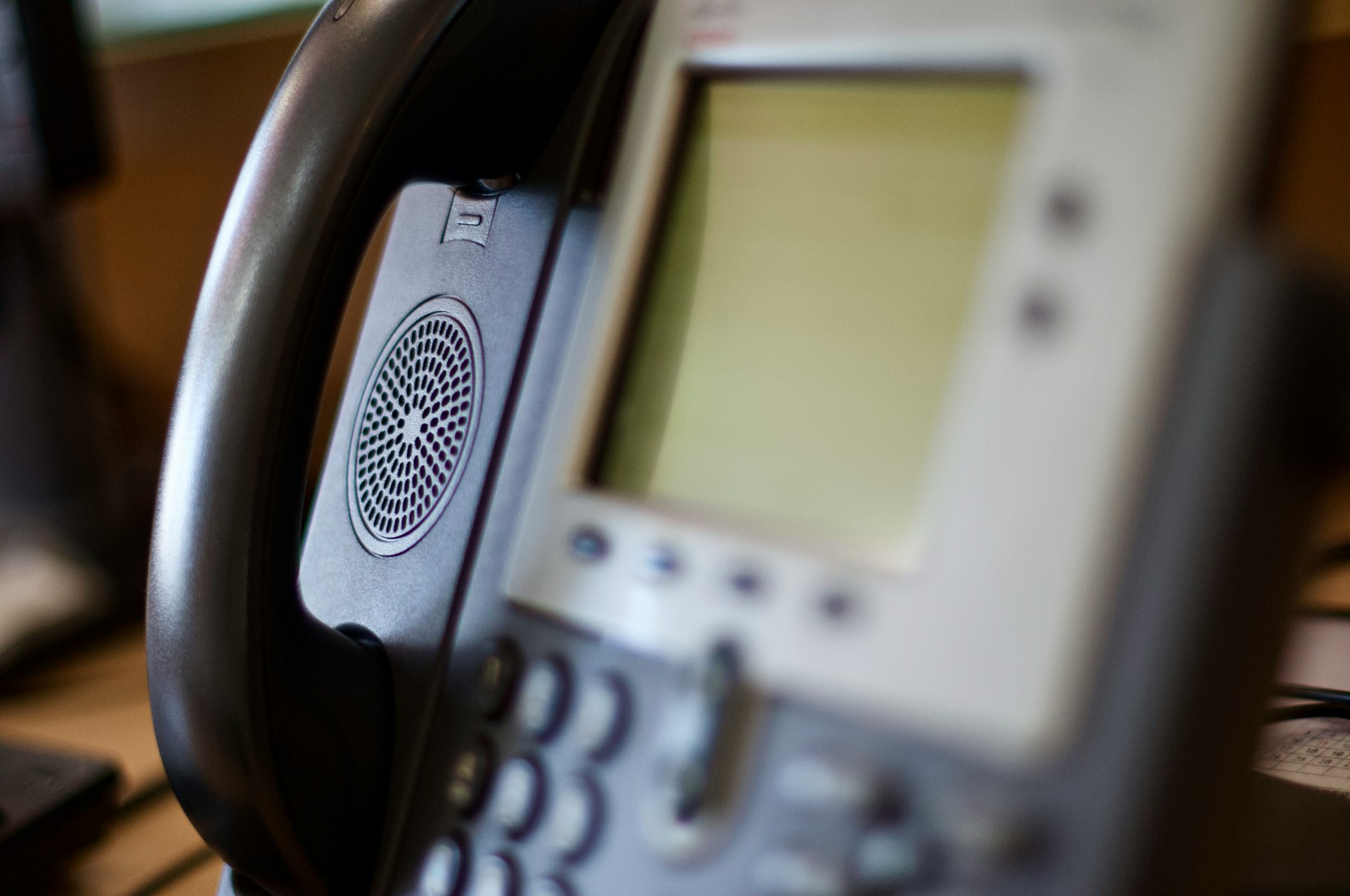
When front desk phones support multiple lines and connect clearly across departments, everything feels more manageable. VoIP Desk Phones allow staff to share lines, transfer calls without confusion, and route updates without delay. Those features help things stay on track, especially when the schedule is […]

What Small Businesses Need From VoIP Desk Phones Today

Running a small business in New York City means keeping things moving, even when the workday feels packed from start to finish. Between juggling walk-ins, checking on vendors, and making sure customers aren’t waiting too long, communication plays a big role. Phones might not be the most exciting part of the setup, but they can either keep a day on track or slow everything down. That’s where VoIP Phone Systems for small businesses come in.

VoIP Desk Phones have become more than just a way to place calls. They help the team stay connected, handle changes without stress, and take fewer workarounds to do simple tasks. The right setup can make a shared phone feel like an extra set of hands. For small offices with limited space and time, that kind of help goes a long way.

Must-Have Features for Daily Communication

Phones need to work well without slowing people down. It’s not about having every bell and whistle, but about getting through everyday calls with fewer problems. Small businesses benefit most from features that keep things simple and smooth.

• Clear call quality matters, especially during busy hours like lunch rush or late afternoon check-ins. Voices should sound crisp, even if more than one person is on the line.

• Easy features like transferring a call or redialing a regular number make a difference during hectic moments. The fewer clicks, the better.

• Buttons and screens should be easy to understand. If someone needs to figure out how to hold a call in the middle of a question from a customer, the steps should be obvious.

When phones work the way people expect, the whole workday flows more easily. There’s less time spent asking coworkers how to use different functions […]

Should You Set Up VoIP Faxing for New York Legal Teams?

Legal teams in New York City work at a fast pace. With court deadlines, client filings, and confidential paperwork moving across desks and devices, fast and reliable communication matters. Whether it’s a two-person firm or a larger office, staying on top of documents is part of the job. Even as more processes go digital, faxing hasn’t disappeared. In fact, it’s still a key piece of many legal workflows.

As offices shift into shared setups or hybrid routines, the way we fax has changed. Fax via VoIP in New York is becoming a smart way for legal teams to send and receive documents without relying on bulky machines or old wiring. It’s faster, more flexible, and better suited for modern offices. But before jumping in, it’s worth understanding how this kind of setup fits into legal work, especially when multiple people are sharing phones and workstations.

How Faxing Still Supports Legal Workflows

Faxing may feel like a thing of the past, but in legal work, it still shows up almost every day. Not every document gets sent through email or digital signing tools. Some courts or outside providers still want hard-copy faxes, especially when timelines matter or confirmation is required.

• Legal documents usually need a timestamp, clear formatting, and a paper trail. Faxing handles that cleanly.

• Many filings or agreements are still handled by printed copies that must be returned to a fax number.

• Vendors, clients, or outside firms might request certain documents be sent or received by fax only.

Faxing through a VoIP setup doesn’t replace these needs. It actually supports them better than traditional machines in many cases. A well-mapped VoIP system can allow documents to move between desks, digital files, and printers without having to hop […]

Why IP Phone Fax Machines Are Still Common in NYC Offices

Meta Title: How IP Phone Fax Machines Still Help NYC Offices Work

Meta Description: Offices across New York City still count on the speed and simplicity of an IP phone fax machine in New York to keep tasks moving and paperwork on track.

Introduction

Even in 2026, many offices in New York City still rely on fax machines. That might come as a surprise, but it makes a lot more sense when you take a closer look at how offices run here. A setup like an IP phone fax machine in New York keeps things moving when documents need to be printed, signed, or sent in real time. These machines aren’t outdated relics; they’re part of how modern phone systems work in busy office setups.

Shared workspaces, rotating desks, and fast-moving days mean businesses do not always have time to reinvent the wheel. January, especially, is one of those months when everything ramps up quickly after the holiday slowdown. That is when offices lean harder on any tool that just works without needing extra steps. Fax machines connected through VoIP Phone Systems for businesses still play that role in New York City.

Why Faxing Isn’t Going Away Anytime Soon

Some jobs still depend on paper, signatures, and quick delivery, even when everything else is digital. In New York City offices, faxing sticks around not because people forgot to upgrade, but because it still does its job well.

• Legal and government offices often require physical signatures or paper trails

• Hospitals and clinics prefer fax for certain medical records that need quick confirmation

• Businesses that go through regular audits or contract cycles often send signed pages

Having one central fax station helps when people do not have fixed desks. If your team moves […]

Can VoIP Fax Lines Handle Shared Office Environments?

VoIP fax lines are often part of everyday office setups, especially in New York City where shared workspaces have become more common. In these environments, teams rely on shared desks, phones, and printers to get their work done. That kind of setup can raise some questions about how well faxing works when several people are using the same system.

VoIP fax lines use the same connection as other devices in a VoIP Phone System for businesses. This usually works well when things are configured right. But in shared setups, with different employees using the line throughout the day, small troubles can start to show up. These issues are more likely to appear in busier months like January, when offices in NYC are getting back up to speed after the holidays.

Where Things Get Crowded: Challenges of Shared Workspaces

Shared offices bring a lot of flexibility, but they also bring more handoffs between employees. That can make simple tools like faxing harder to manage. Here’s where we see problems show up:

• Shared desks and phone stations mean different people might adjust settings, change paper trays, or plug in new devices

• Two users might try to send or receive faxes at the same time, which can push jobs to the back of the line or confuse the system

• Conflicting print commands can lead to blank pages, partial faxes, or jobs being dropped altogether

These issues don’t always seem like a big deal at first. But when people are relying on the same few devices to handle communication, even small gaps add up. Someone waiting on paperwork might not know their fax failed until hours later. From missed pages to double attempts, it starts to slow down the whole day.

This kind […]

Signs Your VoIP Fax Protocol Is Misaligned With Your Setup

Most offices rely on dependable phone systems to stay connected, but not everyone knows how features like faxing work behind the scenes. Many setups use a VoIP fax protocol to manage how fax data moves inside a VoIP business phone system. When everything is lined up right, it’s smooth. But when it’s off even a little, things start to break down in small but frustrating ways.

This tends to show up more in January, when teams across New York City return from the holidays, inboxes are full, and calls are picking up again. If something feels off with your fax feature and regular settings aren’t fixing it, your VoIP fax protocol might not be lined up correctly with the rest of your system. Here are some signs to watch for and why fixing it isn’t always as simple as tweaking a few settings.

Common Symptoms That Something Isn’t Lining Up

When a VoIP system works well, you don’t really notice it. But when the fax protocol slips out of sync with the rest of your setup, small problems start piling up.

• Faxes may not go through on the first try, or only part of the document sends

• Some pages might arrive blank, scrambled, or completely missing

• You hear complaints about repeat send attempts, or faxes get lost altogether

Odd behavior may also pop up on VoIP multiline phone systems or VoIP Desk Phones. A few red flags include devices locking up after a fax attempt, status lights that blink without reason, or error messages that don’t quite match the issue.

All of this feels more urgent when offices are at full speed, like right after the new year in New York City. That’s when activity picks back up, and […]

Everything to Know About VoIP Grey Routes in Big Cities

VoIP grey routes sound like something far removed from everyday business, but they’re more common than most people think. These hidden paths can affect how clearly your calls come through. That’s especially true for companies in fast-paced cities like New York City, where every call matters and every second counts.

During busy seasons, like late December when offices rush to tie up loose ends, phone systems can get overloaded. That’s when weaknesses in the setup really start to show. A strong VoIP Business Phone System should help your team stay connected, but it only works as well as the path your call takes. 

If your system is unknowingly routed through grey paths, you could end up with calls that drop or never come through at all. Let’s talk about what these grey routes really are, why they happen, and how they impact phone systems in dense city environments.

What Are Grey Routes and How Do They Work?

When someone makes a phone call through a VoIP system, the data needs to travel between networks. Usually, this happens through clear and official routes that are tested and stable. Grey routes are second-hand ways of sending that data. They aren’t always illegal, but they’re often unreliable and may jump across different carriers or countries without clarity on who manages the connection.

Unlike regular call paths that move through well-known networks, grey routes take sidesteps to avoid high costs or network rules. This can sometimes make them cheaper but also less controlled. In big cities like New York City, which sees massive volumes of daily calls, these rerouted paths might get used more just to keep up with the demand.

Here’s why they’re used at all:

• Carriers may try to bypass international charges […]

How VoIP Phone Systems in NYC Handle Holiday Traffic

December in New York City feels like everything happens at once. Stores stay busy, offices move fast, and phones ring nonstop. While that high energy keeps business alive, it also puts a strain on the systems we use every day. When phone lines get overloaded or calls begin to drop, teams lose time, and customers notice.

We rely on VoIP in New York to carry much of that communication. From small businesses to growing offices, these phone systems are built for flexibility. But the holiday season challenges even the most dependable setups. Being prepared is half the battle, and understanding what your VoIP system can handle makes a big difference when holiday traffic hits. Planning ahead means your office won’t be caught off guard, and day-to-day tasks can go on without extra stress. Everyone wants to avoid problems right when they are busiest, and getting to know your system’s strengths helps keep things steady.

Why Holiday Call Traffic Can Overwhelm Phone Systems

December is not just about travel and gifts. For many businesses, it’s the busiest month of the year. Phones start ringing early and keep ringing late. That increase in activity builds up fast and can push systems too far if they’re not ready.

• More customer calls come through as people scramble to wrap up plans or settle accounts

• Teams shift to remote work or shorter hours, putting more pressure on fewer devices

• Vendor check-ins and last-minute supply calls push traffic from both ends

When so many calls try to pass through at the same time, systems that are not fully prepared begin to break down. VoIP multiline phone systems are designed to handle layered conversations, but if the setup is old or misconfigured, high demand means […]

Winter-Proofing Your IP Phone Provisioning in NYC Offices

Winter has a way of pressing pause on just about everything in New York City, and office phone lines aren’t immune. Icy weather, power bumps, and old building wiring combine to make December a tricky month for communication systems. For companies that lean on VoIP Phone Systems for businesses, a hiccup in setup can lead to bigger problems down the line if calls drop, delay, or don’t connect at all. That’s where the setup process, or provisioning, becomes more important than ever. IP phone provisioning in New York helps businesses stay connected even when the city’s winter creates less-than-perfect conditions.

When offices take time to check how phones are set up, adjust for slower networks, and plan for disruptions, things run smoother across the board. Let’s look at what usually goes wrong during cold weather and how the right prep helps systems stay strong, even before snow hits the ground.

What Winter Can Do to Business Phone Systems in NYC

NYC is built tall, fast, and tight, and when snow piles up or temperatures dip, office buildings feel the impact. That kind of pressure filters down to phone systems too. As sidewalks freeze and heating systems crank up, other parts of the building start to show strain, including communication gear.

• Cold snaps can lead to random power drops or spikes in older structures

• Burst heating pipes or rushed roof repairs may short out wires or damage tech closets

• Snowstorms stretch local internet networks during peak business hours

So even if your VoIP Desk Phones or VoIP multiline phone systems were working fine last month, winter can change that. Slower internet or heavier internal traffic turns quick calls into choppy, delayed messes. These aren’t always huge breakdowns, but they […]

1.855.783.2332 -- Call to receive a quote or email us: