

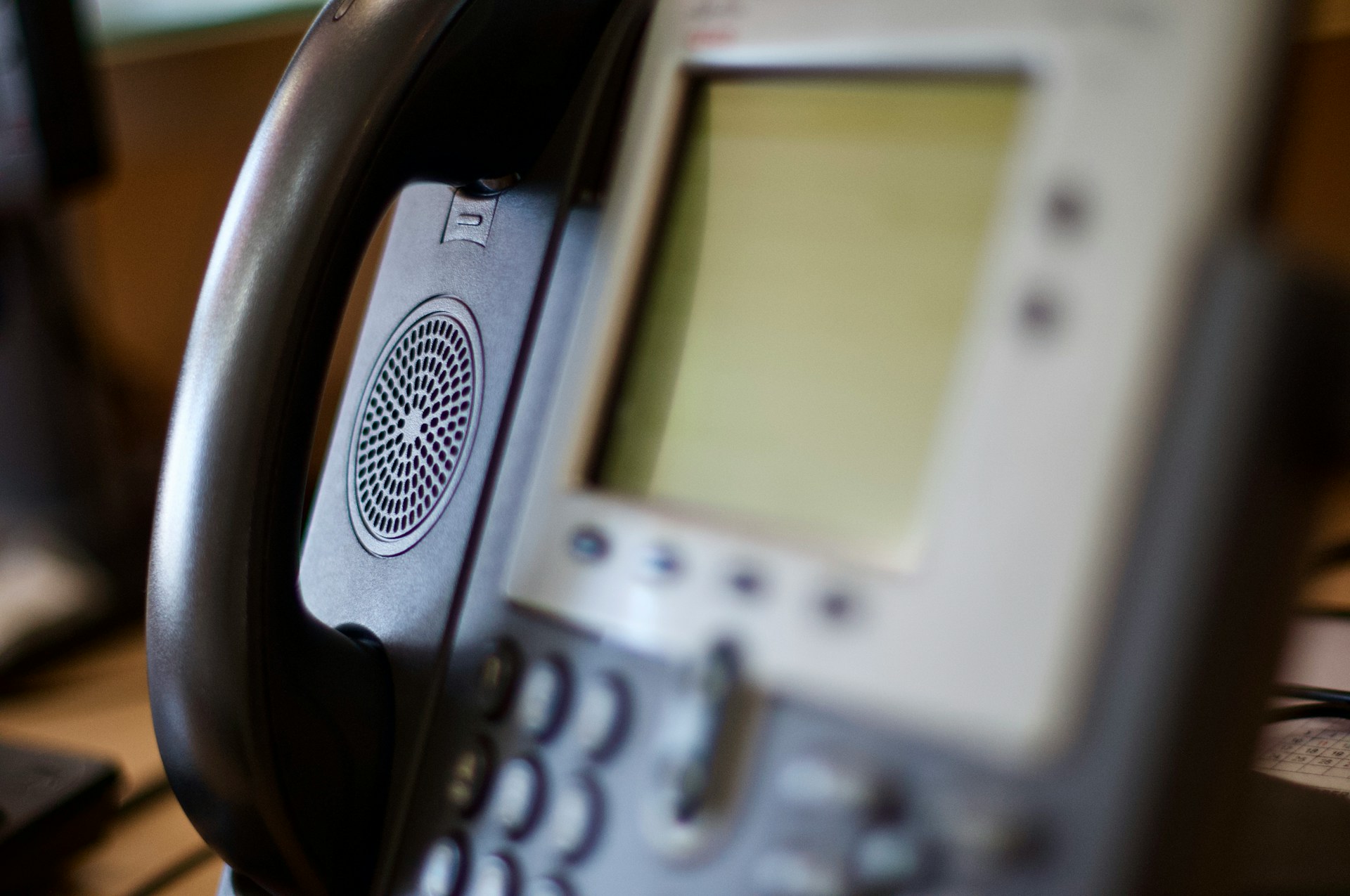
As businesses look for fresh ways to improve how they stay connected, VoIP Business Phone Systems lead the charge. These systems stand out as practical solutions, helping businesses communicate efficiently and smoothly without the headaches often associated with traditional phone lines. It’s more than just making calls; it’s about ensuring the conversation keeps flowing without a hitch. In bustling areas like Manhattan, where every call counts, understanding how to address common issues with VoIP systems is key.
One area that often trips up businesses is call forwarding. This feature is vital for maintaining seamless communication, but it can occasionally cause headaches if not set up or managed correctly. Whether it’s a missed opportunity from a misdirected call or the frustration of calls not connecting, these problems can disrupt workflow. Diving into common issues and how to solve them will help turn frustration into confidence, keeping business communication on track.
Understanding Call Forwarding on VoIP Phone Systems
Call forwarding is like a helpful assistant, ensuring calls reach the right person even if they’re not physically present by their phone. Used properly, it can make your life easier, ensuring no call goes unheard. For businesses using VoIP systems, understanding how call forwarding works is crucial. Instead of relying on traditional lines, VoIP routes your call over the internet, which offers flexibility and additional features not found in older telephone systems.
But why does this matter? Well, in a busy place like Manhattan, missing just one call could mean a missed business opportunity. VoIP systems allow calls to be forwarded to a variety of devices, such as a smartphone or another desk phone, helping businesses remain accessible at all times. With VoIP, you can define rules for when and where calls get forwarded, ensuring you’re always connected, no matter where you are.
Here are some more tidbits about VoIP call forwarding that might brighten your day:
– Flexibility: Route your calls to multiple devices, so you’re reachable wherever work takes you.
– Convenience: Easily manage forwarding rules with a few clicks.
– Customization: Set specific times for different rules. Ensure calls reach only you during work hours and go to voicemail after hours.
Getting this feature to work seamlessly not only improves how efficiently business flows but also keeps clients and partners happy, knowing they can always get in touch.
Common Call Forwarding Issues and Solutions
Even with the benefits of VoIP systems, businesses sometimes face hiccups. Let’s tackle some typical call forwarding issues and see how straightforward fixes can keep everything running smoothly.
One common hiccup is when call forwarding doesn’t activate properly. Maybe you set it up, expecting it to work, but it stubbornly doesn’t. Often, this might be due to software glitches or incorrect settings. To fix it, try checking your account and settings first to ensure everything’s correctly configured. If that doesn’t do the trick, rebooting the system can help, or seeking support from IT professionals to make sure all technical aspects are seamless.
Then there’s the issue of calls not getting forwarded to the right number. This can lead to missed connections and frustration. Incorrect routing usually causes this. Dive into your phone system’s settings and double-check that all numbers and forwarding rules are correct. Sometimes, a simple typo is all it takes to reroute a call to the wrong place. Ensuring the routing information is accurate can solve this issue quickly.
Poor call quality is another frequent complaint. Forwarded calls may suffer from choppiness or delays, which are not what you want during important conversations. Poor quality often ties back to bandwidth problems. VoIP systems need a decent amount of bandwidth to deliver clear calls, so make sure your network can handle it. Tips for improving call quality include ensuring your internet connection is stable and prioritizing VoIP traffic on your network to sidestep congestion.
Best Practices for Smooth Call Forwarding
Maintaining call forwarding without a hitch requires attention to a few best practices. Setting up call forwarding deserves some extra thought and effort upfront that can prevent headaches later. Ensure forwarding rules are correctly defined to handle various scenarios, such as forwarding after a certain number of rings or during specific hours.
Here’s a checklist for making sure everything runs smoothly:
– Test Regularly: Regular tests help catch small problems before they turn big.
– Keep Systems Updated: Ensure your VoIP software is up to date to prevent unnecessary glitches.
– Monitor Network Health: Use network monitoring tools to gauge bandwidth and resolve any bottlenecks.
Professional setup and support make a world of difference in keeping your VoIP systems humming along smoothly. Professionals can guide you through the intricate parts and ensure that everything functions like clockwork.
Ensuring Seamless Call Forwarding with VoIP in Manhattan
In a fast-paced environment like Manhattan, staying connected is key. Reliable VoIP Phone Systems for businesses can cater specifically to the unique demands of this area. They offer flexibility and efficiency that’s crucial for today’s businesses.
Choosing dependable VoIP systems doesn’t just smooth out call forwarding—it optimizes overall communication. When every call matters, making sure the system works perfectly is a necessity. See your communication improve and hurdles lessen when your VoIP system is precise and dependable, keeping your operations running soundly.
Ensure uninterrupted business communication with call forward with VoIP, allowing every customer call to reach the right destination without delays. Steadfast Telecommunications, Inc. offers reliable VoIP phone systems designed to enhance efficiency and streamline connectivity. Discover how our tailored solutions can optimize your business operations and keep you connected in the dynamic environment of Manhattan.