

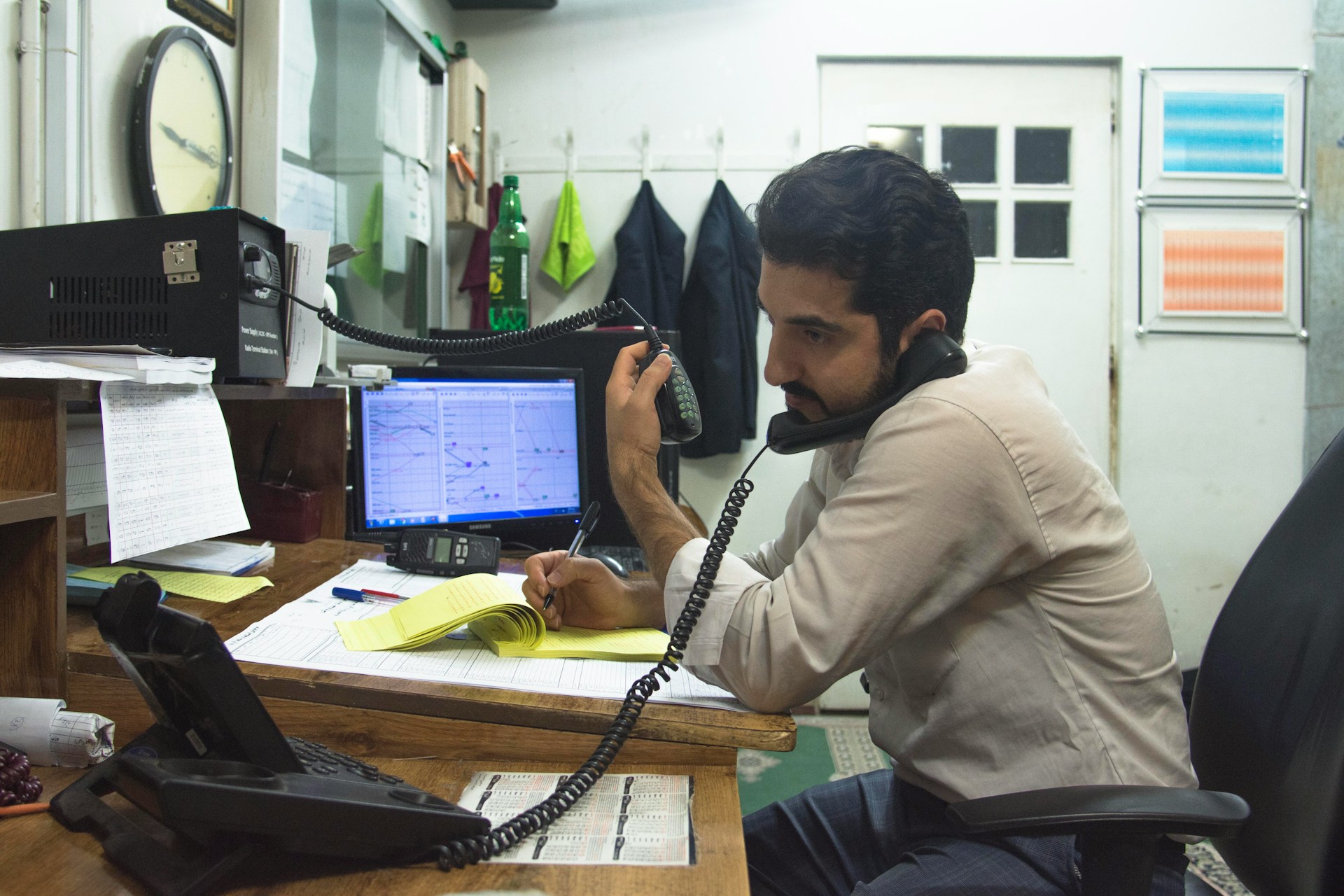
When work starts speeding up, even small hiccups can slow things down. In New York City offices, that’s especially true in spring when schedules shift, projects ramp up, and teams get busier. That means more paperwork and shared documents moving between departments. Timing starts to matter more than usual.
We’ve seen how fax with VoIP setups are being used more and more in NYC offices. They combine fax machines with VoIP business phone systems, so calls and document sending all run on the same network. It sounds simple, but how and when your faxes move can change just enough to cause confusion during tight deadlines. Let’s look at how your timing might be impacted and what to check before things get too backed up.
How Office Workload Impacts Document Flow
Spring usually kicks off with a fresh wave of activity. Vacations are over, some offices change up teams or floor layouts, and new client work starts to roll in. All of this means added communication and, often, more paper too.
- Big projects mean more forms, contracts, and approvals
- Teams rely on quick responses, and faxed documents are often a part of that loop
- If something slows the document on its way, people may be stalled waiting on the next step
- A move to a new floor or room can shift where shared fax machines are located, which confuses who’s supposed to grab what and when
The issue isn’t just delays. It’s how easily those delays turn into larger slowdowns. When two or three small things happen at once, the whole flow starts to stretch out, and teams feel it.
What Happens When You Use Fax with VoIP
When we talk about combining a VoIP phone system for businesses with faxing, the setup does reduce how much equipment is needed. It can also centralize tools and simplify things long term. But it still changes how document timing works.
- Instead of using traditional phone lines, faxes share the digital network with your VoIP Desk Phones
- That means network traffic, machine syncing, and how devices talk to each other all affect when a fax is received
- If the system isn’t set up with timing in mind, a document could end up somewhere unexpected or lag longer than you’d like
Understanding how this system moves documents helps a lot. Once teams know where to check, who gets notified, and which tools handle what part of the path, they can stay focused on work instead of chasing missing papers. In a fast-moving city like New York City, that kind of clarity makes a big difference during busy seasons.
Common Office Timing Hiccups and How to Stay Ahead
We’ve noticed a few small issues that pop up more than others when faxes and phones get busy. A lot of these show up quietly but can throw things off without much warning.
- Faxes meant for one team show up at another because machine connections weren’t updated
- Fax alerts go to inboxes nobody checks anymore
- Shared machines sit in spots people forget about, like conference rooms or print corners
- Machines bounce signals when too many devices try to use the same path at once
These problems don’t sound major on their own, but when the pressure is high, they hit harder. A single slowed fax might hold up a signing, scheduling, or update, and delays spread fast across departments.
That’s why spring is a helpful time to step back and get things in order. New York City offices change fast, and tools need to match that. It helps to double-check who is using which number, which lines are active, and whether machines are in spots your team still uses. A small fix today often saves time next week.
Making the Most of VoIP Desk Phones and Fax Combos
When phones and faxes work together well, office timing stays tight. Your VoIP Desk Phones can be a steady part of this setup, but they need to work cleanly with whatever machine is tied in.
- Give each user a clear extension and assign fax numbers that line up with actual teams
- Use basic digital tools to keep track of which faxes came in, where they went, and who opened them
- Check device syncing to make sure machines still route to folders or inboxes your staff checks daily
Spring tends to push all of us into crunch time. Reducing the number of steps staff take to send or grab a fax helps a lot. If someone only has to press three buttons instead of six, documents move faster through the pipeline. When systems are lined up properly, even a packed workday doesn’t cause as much stress.
It’s also a good practice to revisit old setups to make sure nothing has changed since last spring. Updates or software tweaks over the winter might have shifted the way your machines interact, and unplanned changes can confuse the workflow. Make sure your VoIP Desk Phones and fax machines are still properly linked and that alerts are still set up to notify the right people.
Checking these connections also helps avoid surprises. If equipment was moved, taken out of service, or replaced recently, settings might have defaulted, or manual updates could have gone undone. By verifying that everything is mapped and routed correctly, you keep things moving smoothly at the heart of a busy season.
Smooth Document Timing Starts with Clear Setup
Using fax with VoIP can work easily in a NYC office, but only if the setup matches how your team works today. Spring is the right time to adjust your tools to fit the real layout and schedule of your space. That means looking at how documents are moving, from desk to inbox to archive. If there’s a hang-up, fix it now while office energy is still steady.
We’ve found that when phones, faxes, and daily habits all connect, the pace feels better. People trust their documents will arrive on time. And when timing runs smoothly, the rest of the workday opens up just enough to keep things flowing.
At Steadfast Telecommunications, Inc., we know that seamless communication is crucial for busy NYC offices, especially during the fast-paced spring season. By integrating fax with VoIP in your workplace, you can streamline document management and enhance your team’s productivity. Ready to optimize your office workflows? Contact us today to get started!